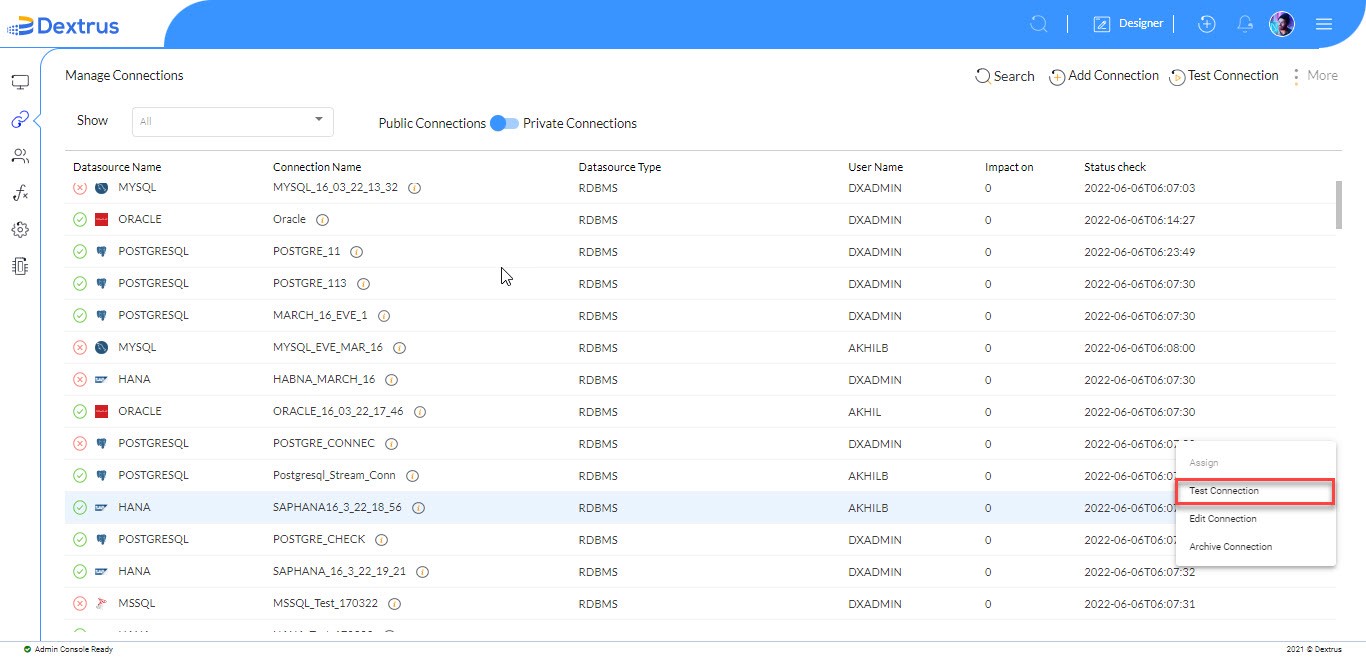
In this topic, you will learn, how to test an existing connection.
- Test Connection: Click the Test Connection option to test the selected connection status.
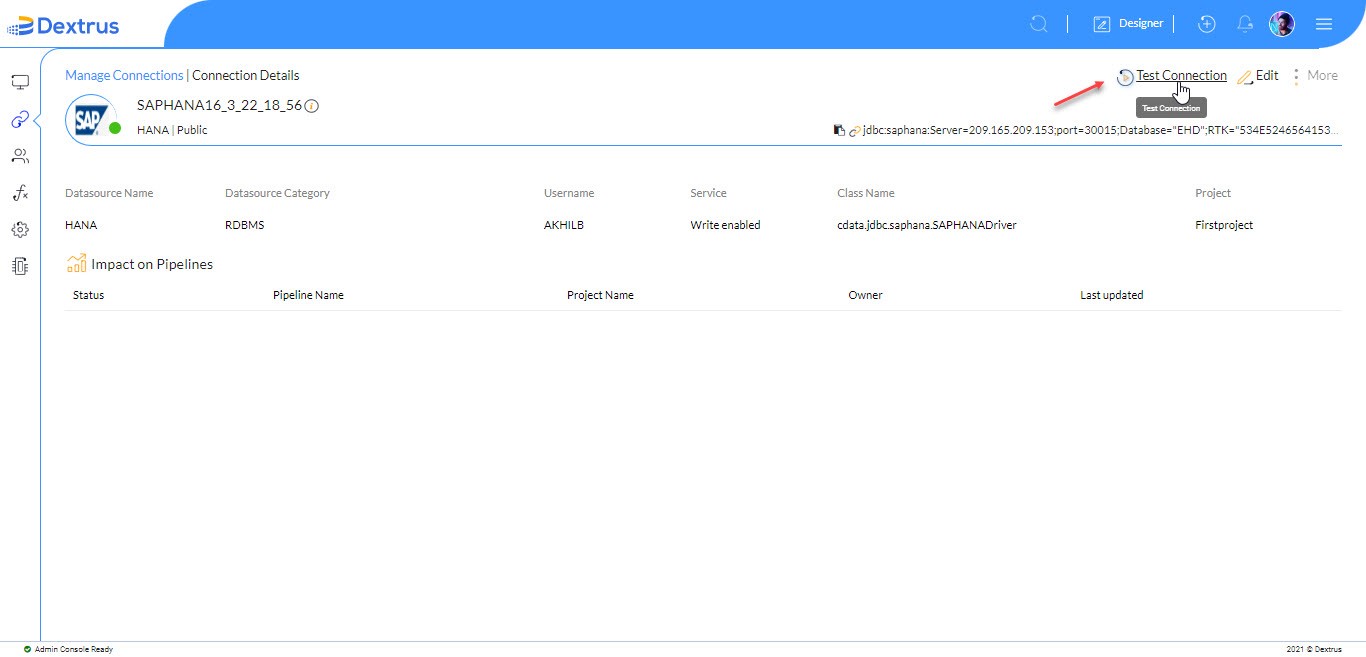
- The Connection Details page is displayed.
- Click the Test Connection button on the Connection Details page to test the selected connection.
Note: Click Edit Connection on the Connection Details page to edit an existing connection.
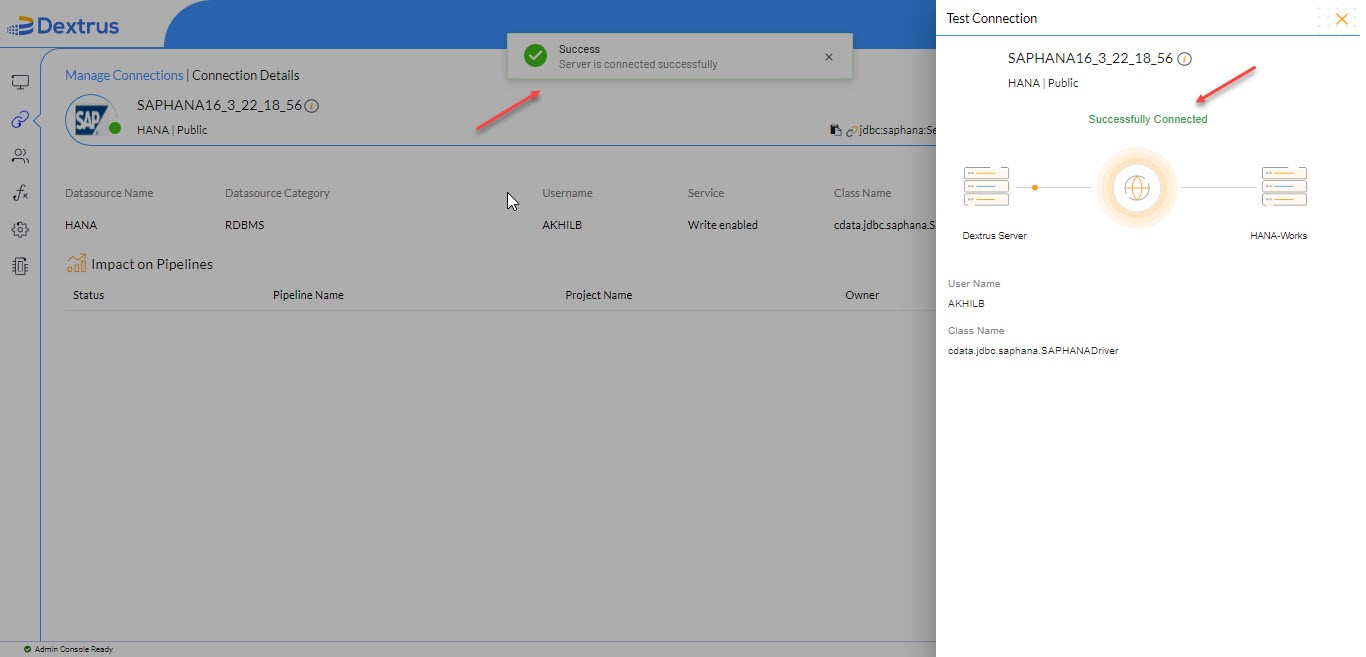
- Once the connection is successful “Success – Server is connected successfully” message appears on the top of the screen and also a green tick mark appears against Connection Status.