In this topic, you will learn:
How to manage a Domain.
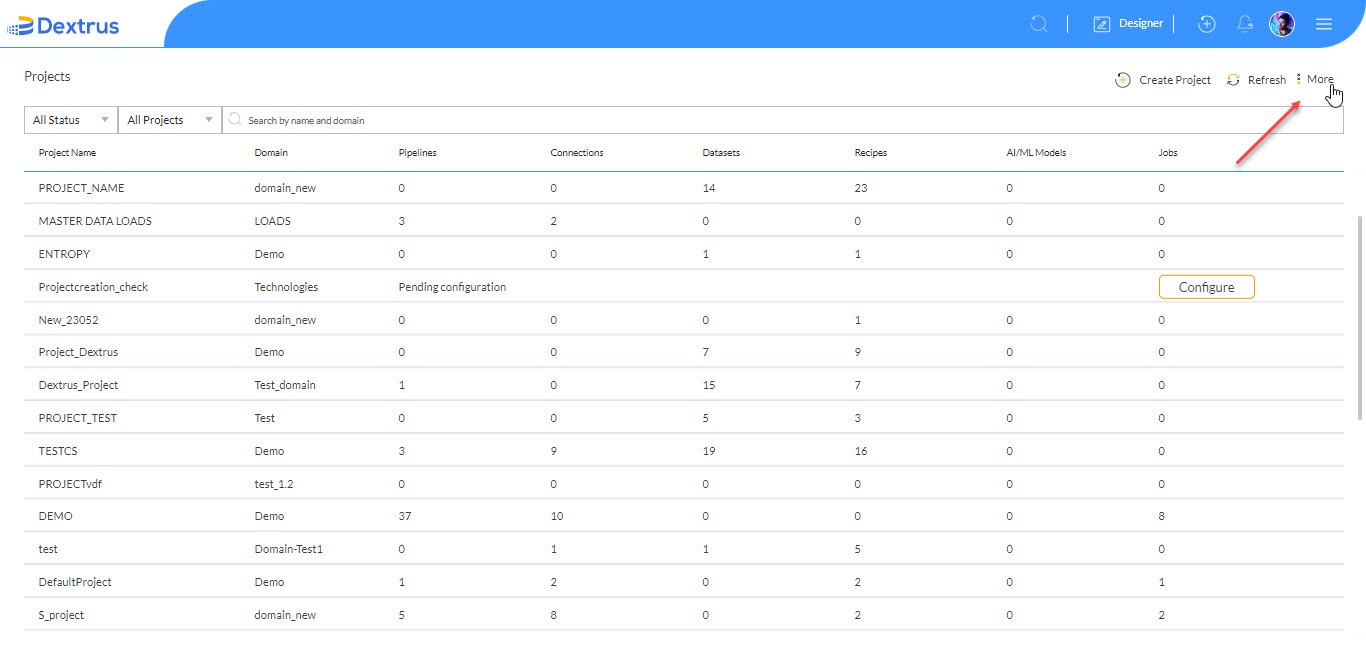
- Click the More option to view Manage Domains and Download <under development> options.
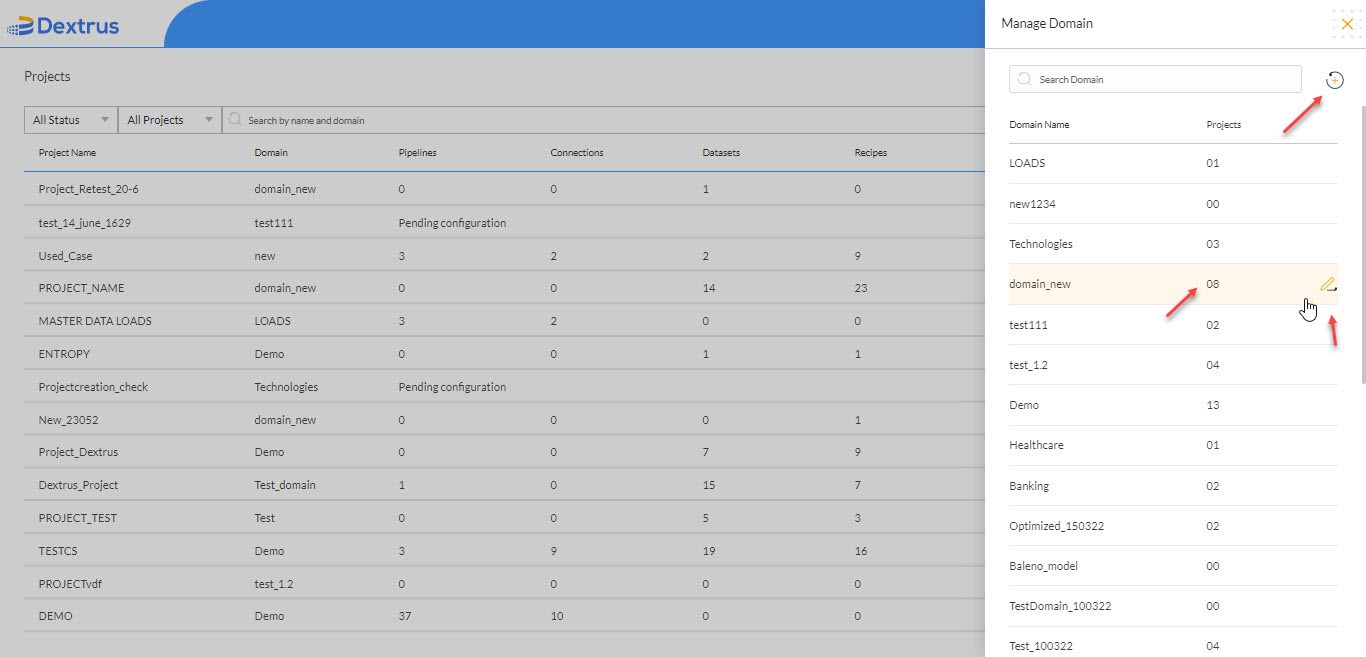
- The Manage Domain window appears on the page with a Search Domain text field, Add icon and a list of available Domain names and their assigned Projects.
- Hover on the existing Domain Names to view an Edit icon.
- Click the Edit icon against an existing domain name to edit its name.
- Click the Add icon to create a new domain name.
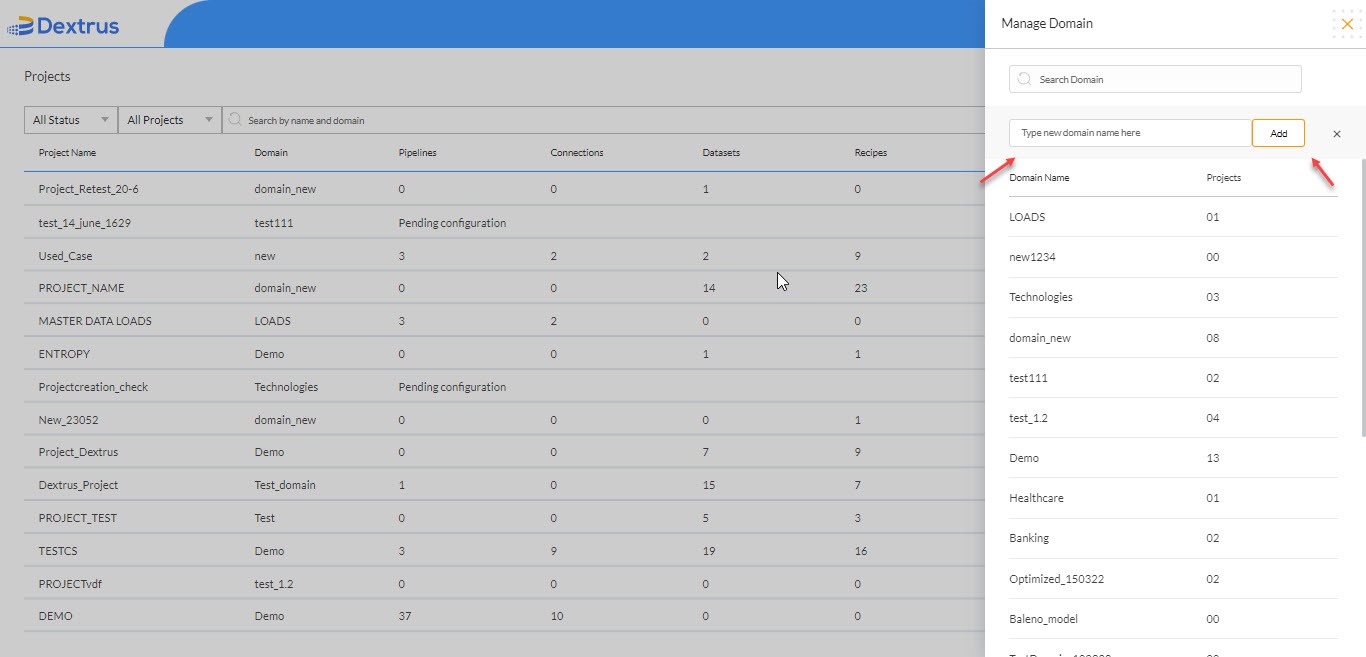
- Once you click the Add icon a new text field with the text ‘Type new domain name here with an Add button appears.
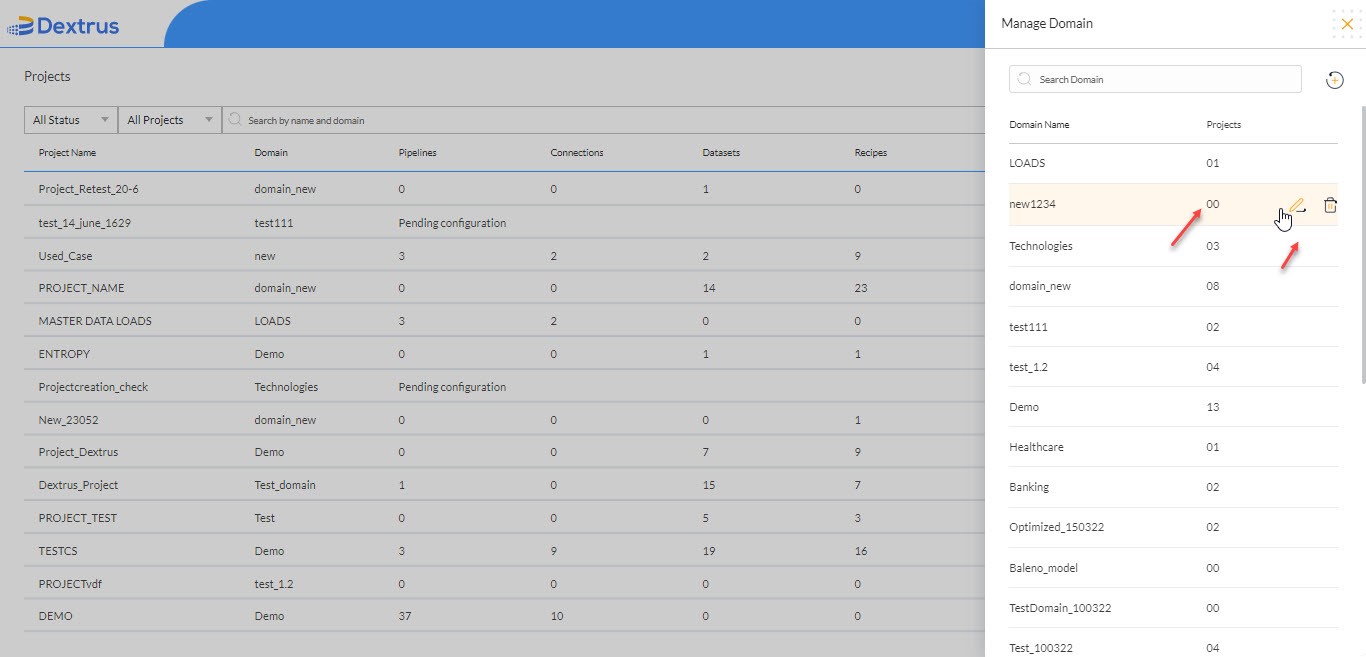
- When a new Domain Name is added the Manage Domain window is updated with the newly created name.
- Hover on the newly created Domain Name to view Edit and Delete icons.
Note: Delete icon is enabled for a newly created Domain Name since there are no projects assigned to it.